
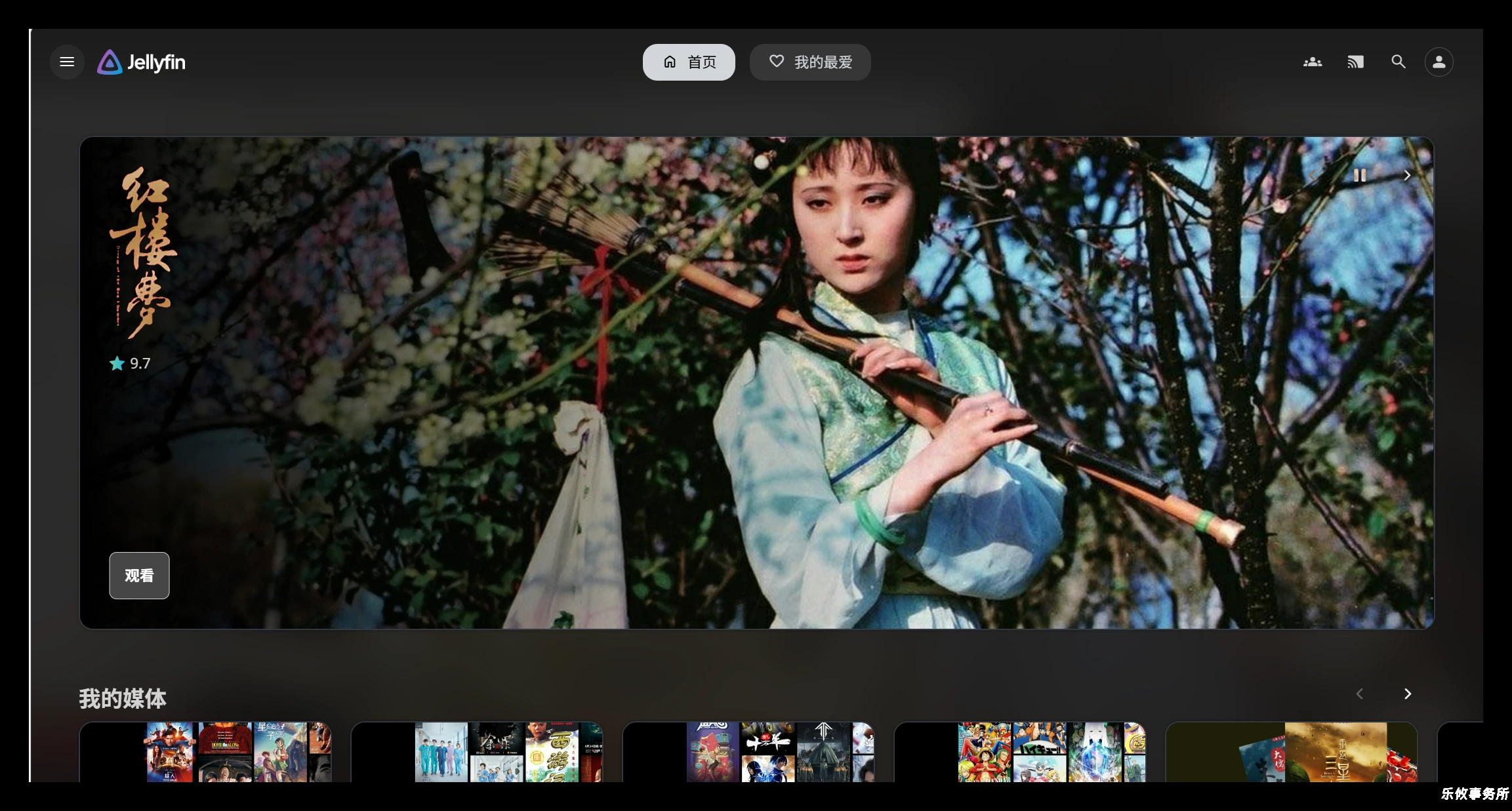
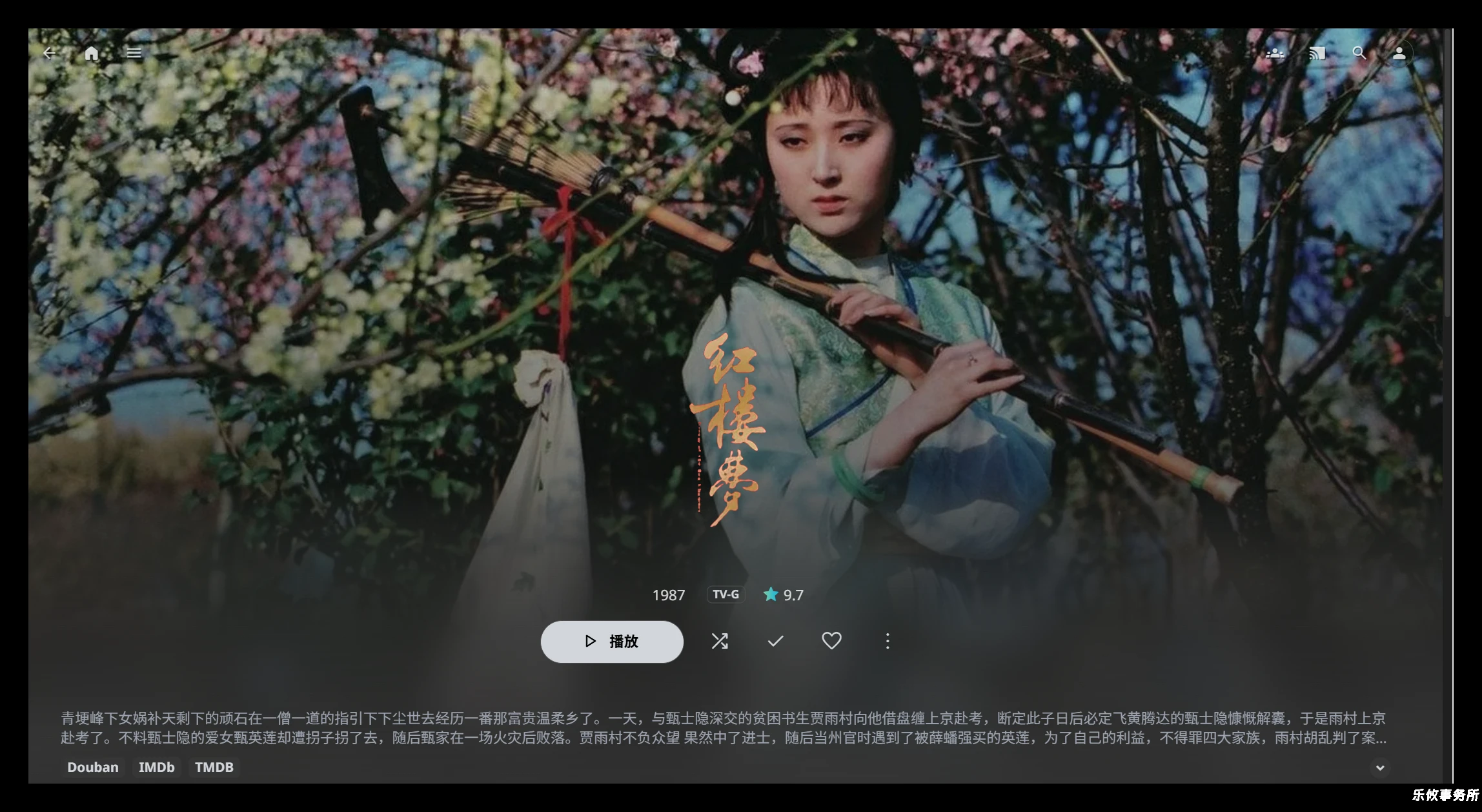
首页轮播图设置教程
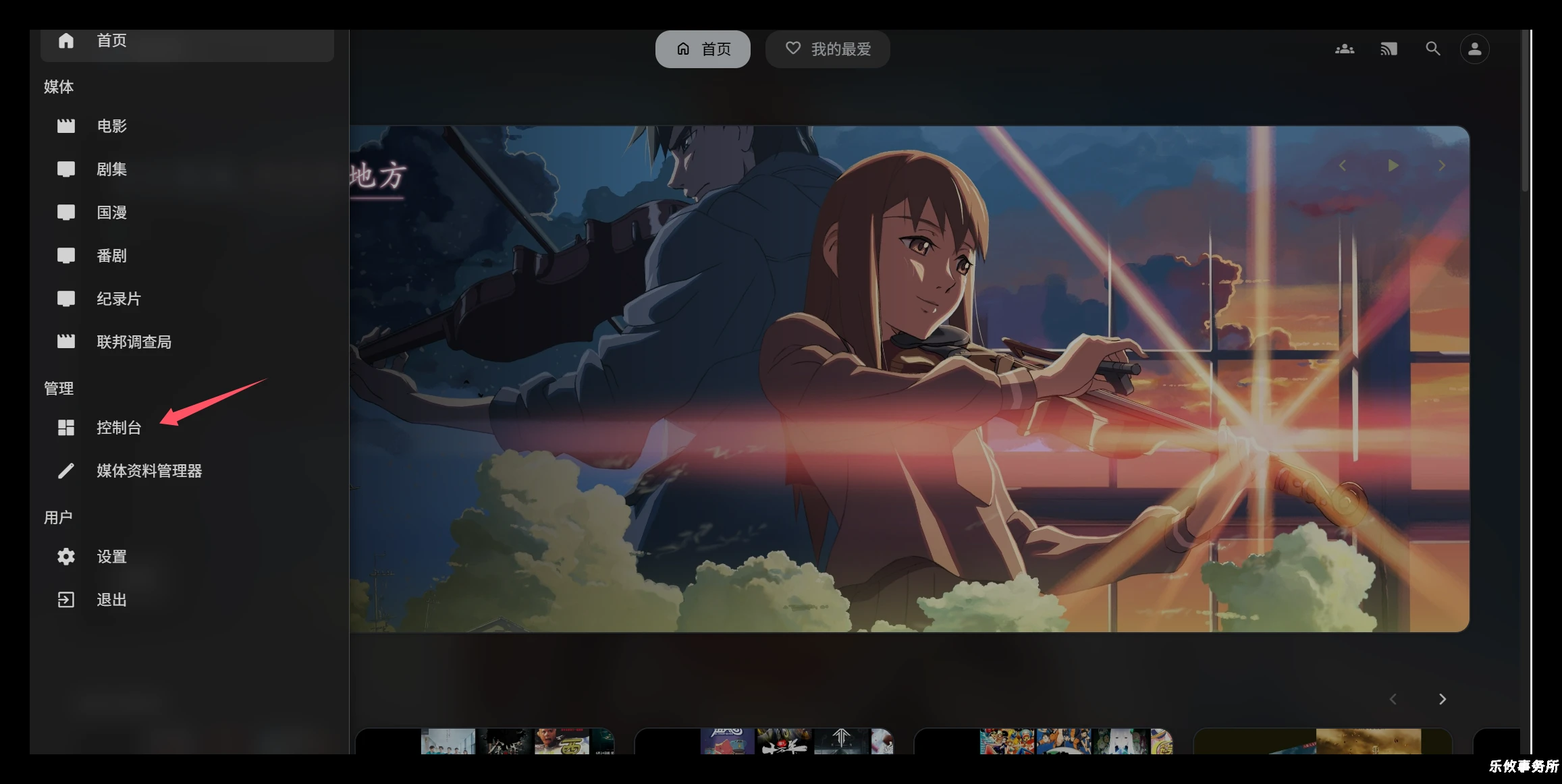
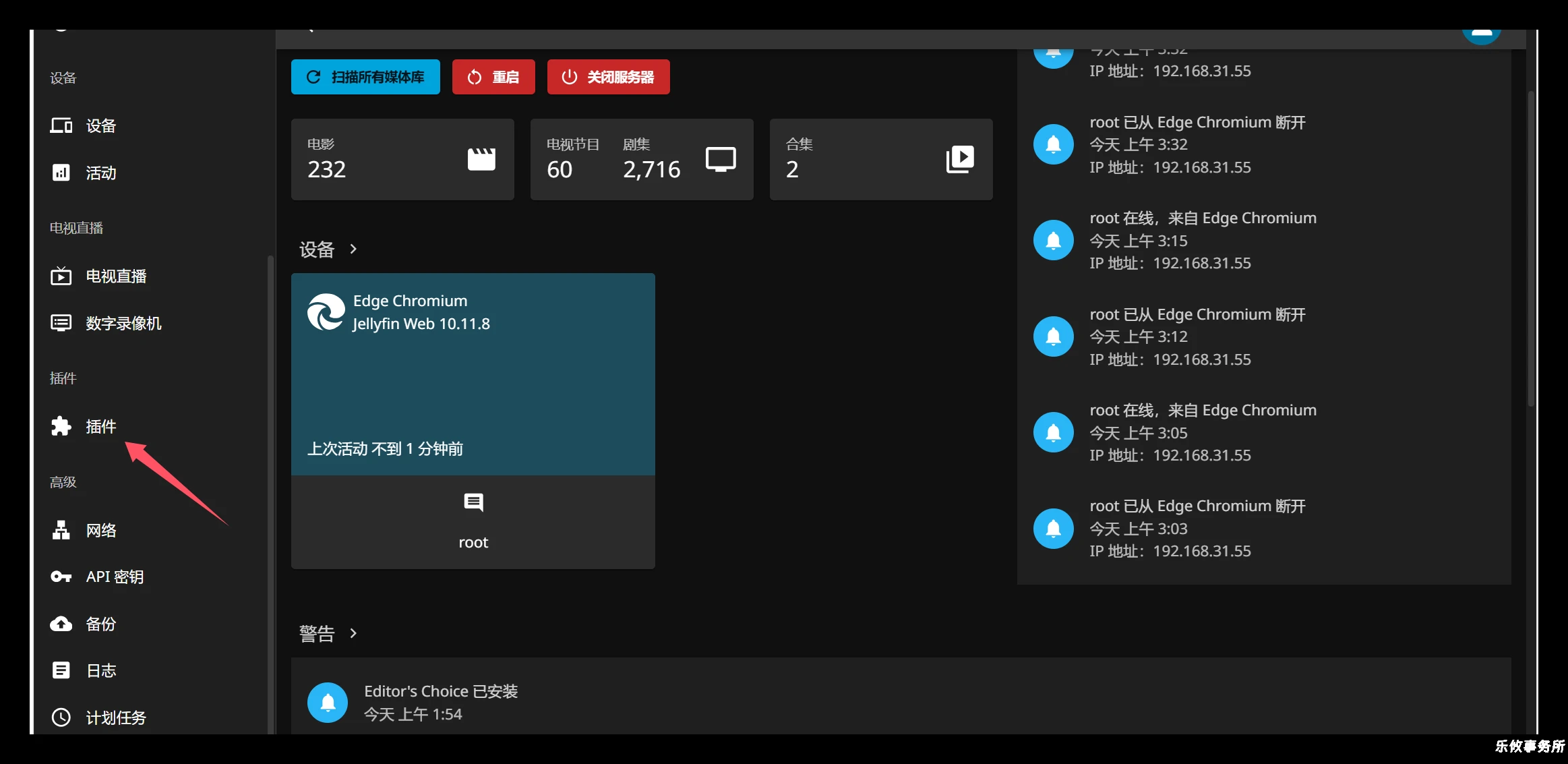
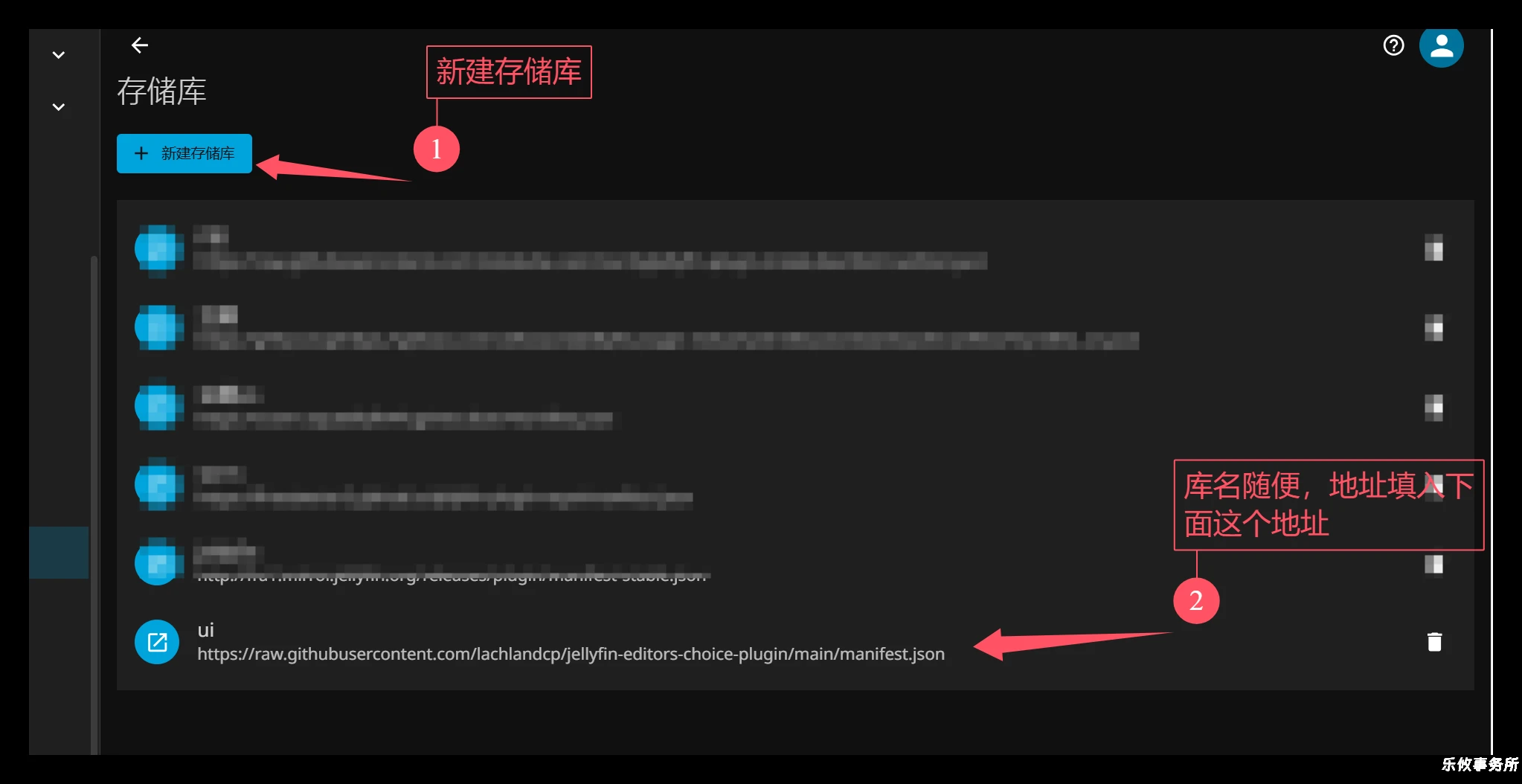
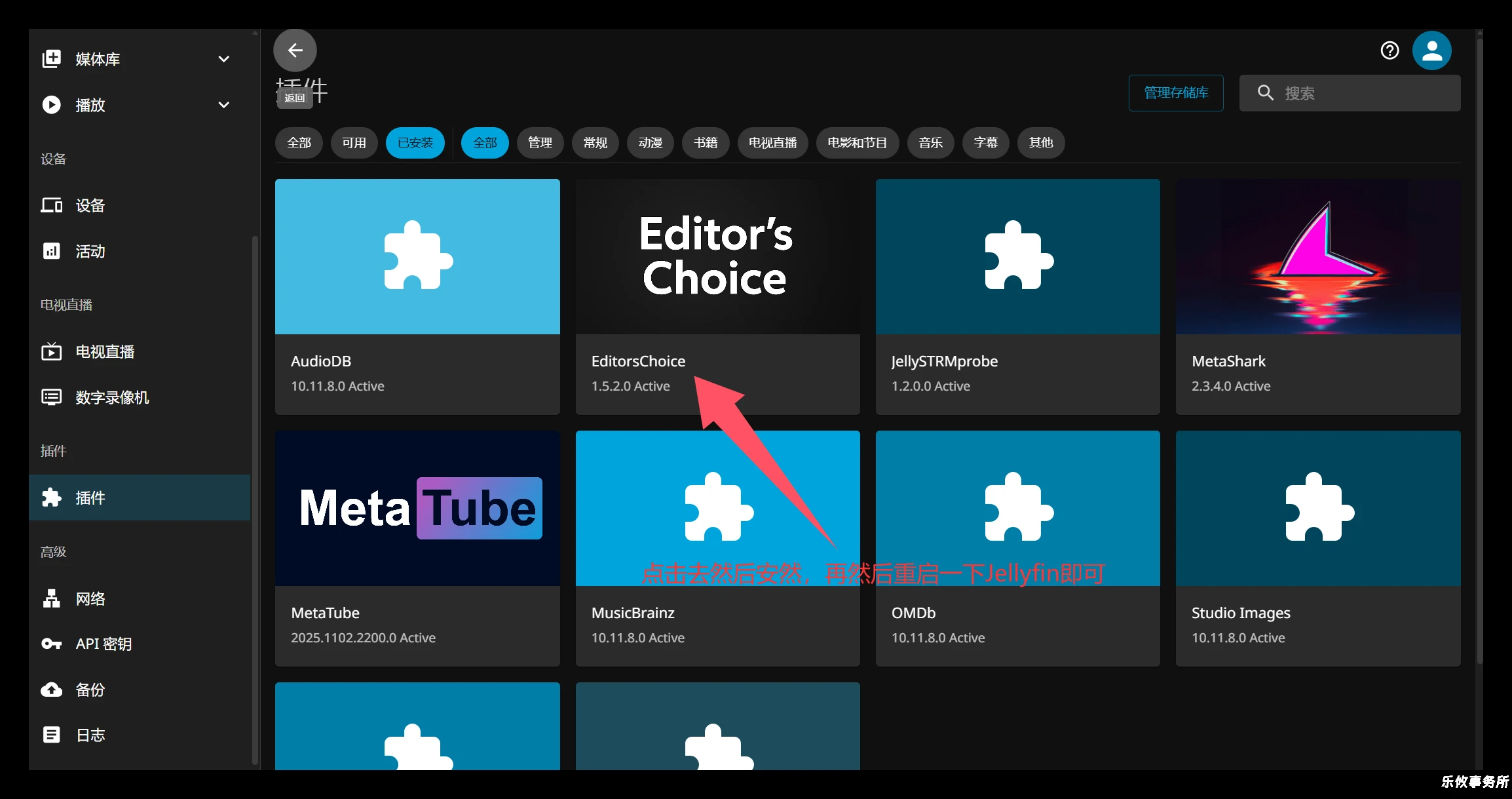
插件库地址1:https://raw.githubusercontent.com/lachlandcp/jellyfin-editors-choice-plugin/main/manifest.json插件有个设置,可以根据自己的需求进行设置
皮肤设置教程
点击首页右上角的头像→点击显示→然后找到自定义css(下面的代码任选一个自己喜欢的填进去即可)
皮肤:
@import url("https://gitee.com/xuyouzhan01/filmake/raw/007/jellyfin.css");

@import url("https://gitee.com/xuyouzhan01/filmake/raw/007/jellyfin-tss.css");

@import url("https://cdn.jsdelivr.net/gh/az4if/friday_fin/friday_fin.css");

@import url("https://cdn.jsdelivr.net/gh/Lyall-A/GoofySkin@main/theme.css");

@import url("https://gitee.com/xuyouzhan01/filmake/raw/007/blue.css");

@import url("https://gitee.com/xuyouzhan01/filmake/raw/007/theme.css");

@import url("https://gitee.com/xuyouzhan01/filmake/raw/007/refinned.css");

 @import url('https://cdn.jsdelivr.net/gh/FSA1/Custom-Jellyfin-Skins/themes/dark/theme.css');

@import url('https://cdn.jsdelivr.net/gh/FSA1/Custom-Jellyfin-Skins/themes/amazon/prime-theme.css');- 滑动模块插件github:https://github.com/lachlandcp/jellyfin-editors-choice-plugin ↩︎
